+1 (409) 800-6601
 contact@virtualbuildingstudio.com

A coordination meeting without a checklist tends to wander. Someone raises a clash nobody prepared for, a trade lead shows up without an updated model, and the group spends half the session sorting out what should have been settled beforehand. Momentum drains out of the room fast once that happens, and it rarely comes back before the meeting ends. A structured weekly checklist changes that dynamic.
It turns coordination from a reactive scramble into a repeatable process, and repeatable processes are what keep multi-discipline projects on schedule. This guide walks through the checklist a BIM manager runs every week, from the model checks that happen before a meeting to the metrics that prove the process works.
Why BIM Managers Need a Weekly Coordination Checklist
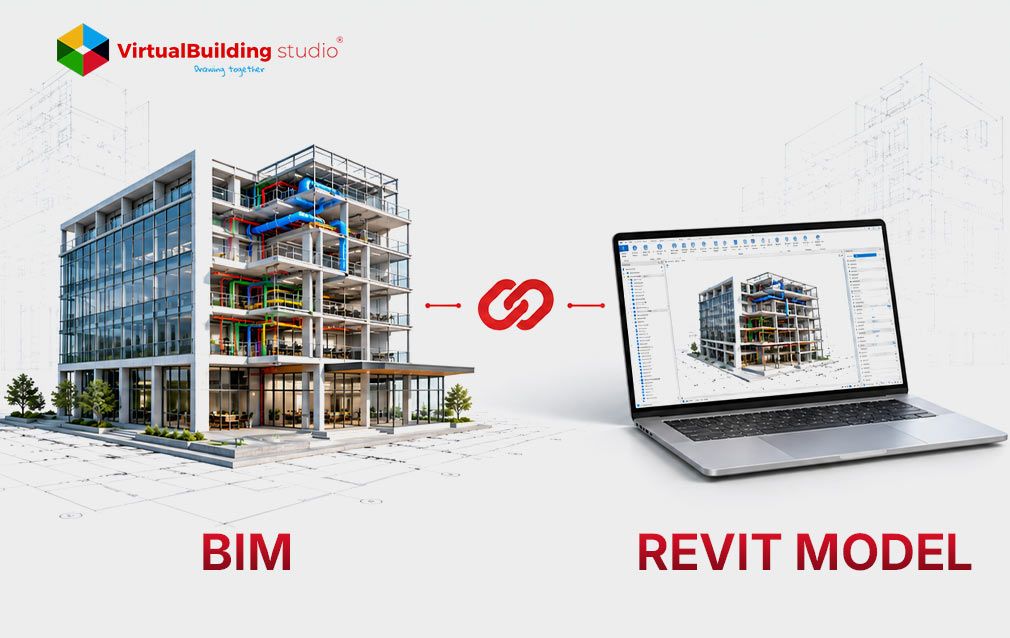
BIM Coordination workflow involves architecture, structural, mechanical, electrical, and plumbing models simultaneously, and any one discipline can disrupt the others. A missed upload, a shifted coordinate system, or an unresolved clash from last week compounds fast once it reaches a live meeting. A weekly checklist catches these issues early, while they still cost a few minutes to fix instead of a changeorder down the line.
The payoff shows up in the data: a study in the Journal of Building Engineering found BIM adoption improved coordination and cut change volume across a range of 6% to 47% among the projects reviewed. Teams that run a disciplined weekly process tend to land toward the higher end of that range.
An auditor who reviews coordination files across several projects sees the same failure pattern again and again: a team skips one week of clash tests during a busy stretch, and three weeks later a superintendent finds a duct crossing a beam in the field instead of on a screen. The checklist exists to stop that pattern before it starts. The stages below break the week into five parts: pre-coordination, clash detection, the meeting itself, post-meeting follow-up, and constructability review, closing with the performance metrics that track it all.
Pre-Coordination Checklist
Every BIM coordination process cycle starts before anyone opens a federated model. Run through these checks first.
- Verify latest model uploads: Every discipline should push a current file to the common data environment before the cycle starts. A stale upload from two weeks ago is worse than an empty slot because it appears current when it is not.
- Confirm trade participation: Call the trade lead who skipped last session. A model built on guesswork about someone's intentions rarely survives contact with the real design.
- Validate model completeness: Spot-check a handful of elements against the agreed level of development. Placeholder geometry hides well in a big model until a clash test misses it entirely.
- Review BIM standards compliance: Pull one submission and line it up against the BIM Execution Plan. Small drifts add up over a project's life, and nobody notices until it is expensive to fix.
- Check naming conventions: A file or object name that breaks convention slows federation down and confuses automated clash rules that depend on consistent tagging.
- Confirm shared coordinates: Even a minor drift in the coordinate system produces clashes that are not real, and chasing phantom conflicts burns a meeting fast.
Clash Detection Checklist
With clean models in hand, the clash detection cycle runs next.
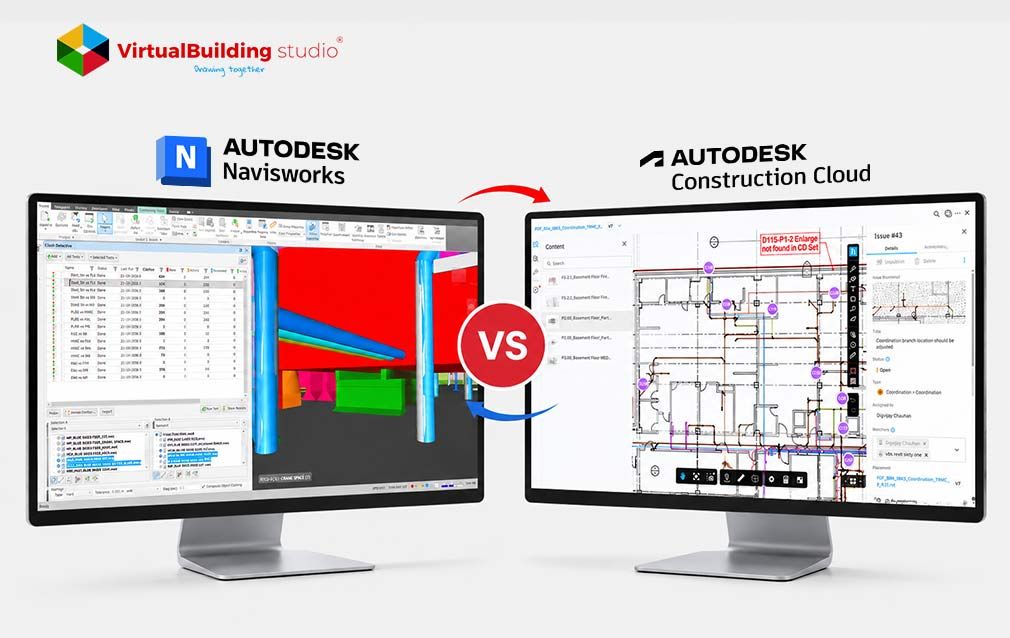
- Run updated clash tests: Skip the temptation to trust last week's results and rerun the full test set against the freshly federated model.
- Review new clashes: Look for hard clashes, soft clashes, and sequencing conflicts that showed up since the last cycle. Some weeks bring three. Others bring thirty.
- Eliminate false positives: Duplicate or trivial hits clutter the report and pull attention away from the issues that actually matter.
- Prioritize critical issues: Cost, schedule, and safety impact should decide the order, not whichever clash happens to sit at the top of an alphabetical list.
- Categorize clashes by trade: Sort the report so each lead opens the meeting already knowing what applies to them and what does not.
Clashes generally fall into three types, and a strong report tags each one. Hard clashes are direct physical intersections between two elements. Soft clashes involve insufficient clearance around equipment that needs room for service or airflow. Workflow clashes cover sequencing conflicts, where one trade's installation plan blocks another trade from finishing on schedule. Sorting the weekly report by type keeps the meeting focused, since a hard clash usually needs a fast fix while a workflow clash often needs a scheduling conversation instead.
Coordination Meeting Checklist
The meeting itself runs on the clash report built in the previous stage.
- Review outstanding issues: Start here so nothing from a prior week quietly slides off the tracker.
- Discuss high-priority clashes: Tackle the ranked list first. A room's attention runs highest in the opening minutes, and the biggest issues deserve that window.
- Assign responsibilities: Every open item needs one name attached to it. A clash owned by "the team" tends to stay open indefinitely.
- Establish resolution deadlines: Pair each assignment with an actual date. Open-ended action items have a way of never closing.
- Record decisions: Write the agreed fix directly against the issue in the tracker, not in someone's separate meeting notes that half the group never sees.
Post-Meeting Checklist
Coordination work continues well after the meeting ends.
- Publish coordination report: Get the finalized report to every stakeholder within a day, while the decisions from the meeting are still fresh in people's minds.
- Update clash matrix: New assignments and deadlines belong in the tracking matrix the same day, not whenever someone finds a spare hour.
- Track action items: Close out resolved items and flag anything overdue against its due date, so the list stays honest.
- Monitor resolution status: A midweek check-in on the highest priority items beats finding out at the next meeting that one of them stalled.
- Schedule follow-up reviews: A complex clash sometimes needs its working session before the next full coordination meeting rolls around. Book it now, not later.
Constructability Review Checklist
BIM coordination services protects geometry on screen, and constructability review protects what happens once crews reach the field. A model can pass every clash test and still fail a crew on installation day if nobody checked whether a technician can physically reach the equipment the model shows.
- Installation sequencing: Check that the model supports the order in which trades actually plan to build, not just a snapshot of the finished state.
- Access clearances: Can a worker and their equipment physically reach every component once it goes in? A clean model does not answer that question by itself.
- Maintenance clearances: Equipment that needs future service still needs room around it for a technician's hands and tools.
- Equipment removal paths: Trace the route a unit would travel out of the building the day it needs replacing, and confirm that route stays open.
- Ceiling space verification: Stack ducts, cable trays, piping, and structure against the plenum height that actually exists, not the height a drawing from three revisions ago assumed.
BIM Performance Metrics Checklist
A checklist proves its value through numbers, and a few metrics carry most of the signal.
- Clash closure rate: Weigh clashes resolved each week against clashes newly identified. A rate that dips below one signals the backlog is growing, not shrinking.
- Open issue count: Watch the trend over time. A number that keeps climbing usually points to a resourcing gap rather than a modeling problem.
- Resolution time: How many days pass between a clash appearing and its closure? Break these numbers out by trade and priority, since the average alone hides a lot.
- Coordination efficiency: Divide clashes resolved by meeting hours spent. A project stuck at a low number probably needs a tighter agenda, not a longer meeting.
- Trade compliance: Some disciplines submit models on time and to standard every week. Others do not, and that gap is worth tracking on its own.
A case study analysis published in Discover Materials found BIM adoption cut coordination RFIs by 25% and design errors by 30% across the projects reviewed. Metrics like these give a BIM manager language stakeholders understand, and they turn a weekly checklist into a case for keeping the process funded.
Downloadable Weekly BIM Coordination Checklist Template
Running six checklists from memory works for a while, and then a busy week breaks the habit. A single-page template solves that problem. Print it, pin it to a coordination board, or drop it into the project's common data environment as a recurring task list. The template groups every item above under its stage, pre-coordination through performance metrics, with a checkbox and an owner column next to each line.
New BIM coordination teams use it to learn the weekly rhythm fast, and experienced managers use it to keep a growing project from dropping a step during a busy stretch. Save a copy for each project, since the cadence one team keeps rarely matches what another team's contract and trade mix calls for. A design-build project with five active trades runs the full cycle every week without much strain, while a large hospital job with fifteen trades often splits clash detection and constructability review into separate sub-meetings just to keep each session focused.
Best Practices for BIM Managers
A few habits separate coordination that runs smoothly from coordination that limps along. Set the clash report deadline early enough that trade leads walk into the meeting having already reviewed their items. Keep the meeting agenda built entirely from the prioritized clash list, since open-ended discussion eats up time. time a tight schedule cannot spare. Train new team members on the naming conventions and coordinate system rules before their first upload, not after their third rejected model.
Revisit the BIM Execution Plan each quarter, since a plan written at kickoff rarely covers every situation a long project runs into. Treat the weekly checklist itself as a living document, and adjust it once a stage stops adding value or a new one becomes necessary. Share performance metrics with the wider project team on a regular cadence rather than saving them for a monthly report, since a trade lead who sees their own compliance number weekly tends to correct course faster than one who hears about it once a month.
Conclusion
A weekly BIM coordination checklist gives a BIM manager a repeatable path through work that otherwise depends on memory and good timing. Each stage catches a different category of problem: pre-coordination checks stop bad data from entering the federated model, clash detection surfaces conflicts early, the meeting resolves them with clear ownership, and post-meeting tracking makes sure decisions stick.
Constructability review and performance metrics round out the cycle by confirming that the model works in the field and that the process itself keeps improving. None of these stages carries the project alone, and together they build the kind of BIM coordination services that shows up in fewer change orders and steadier schedules. A checklist run once proves little on its own, but the same checklist run every week for a year becomes the backbone of how a project stays coordinated. Start with the checklist as written, then shape it to fit the trades, tools, and pace of your project.

Ready to Tighten Up Your Coordination Workflow?