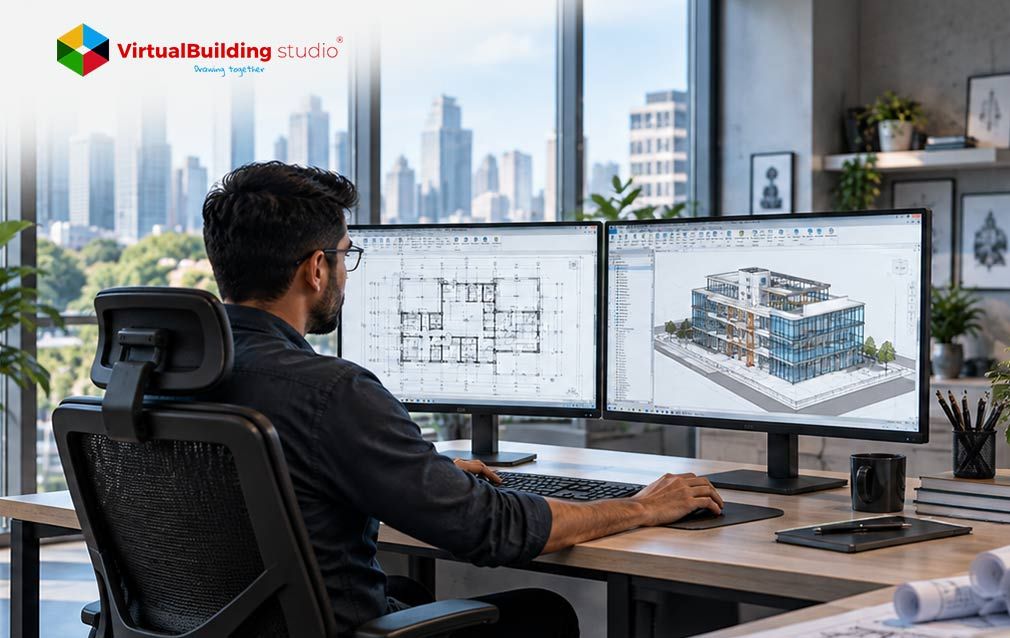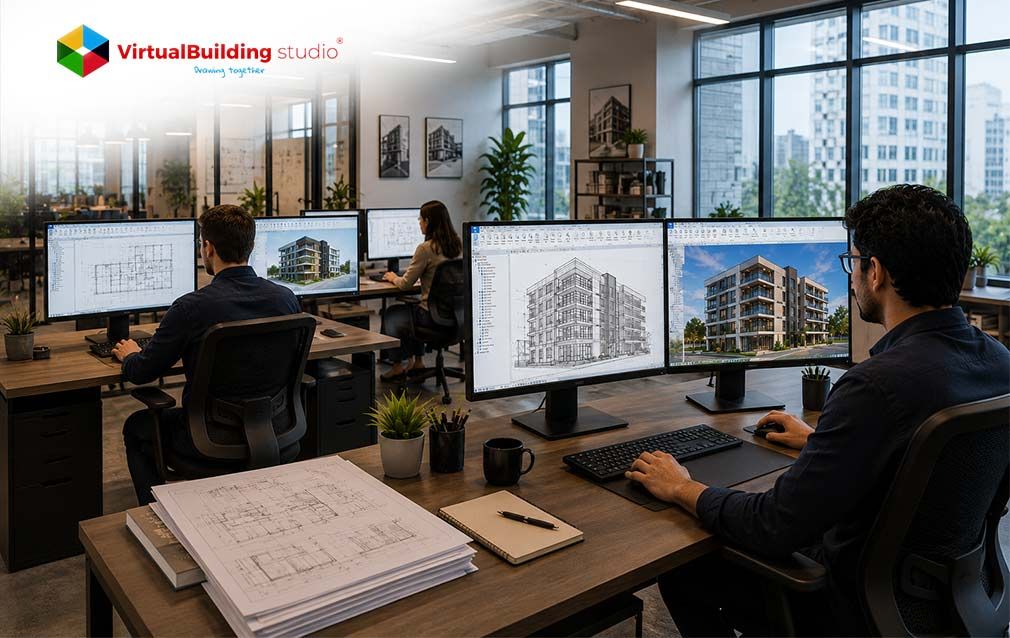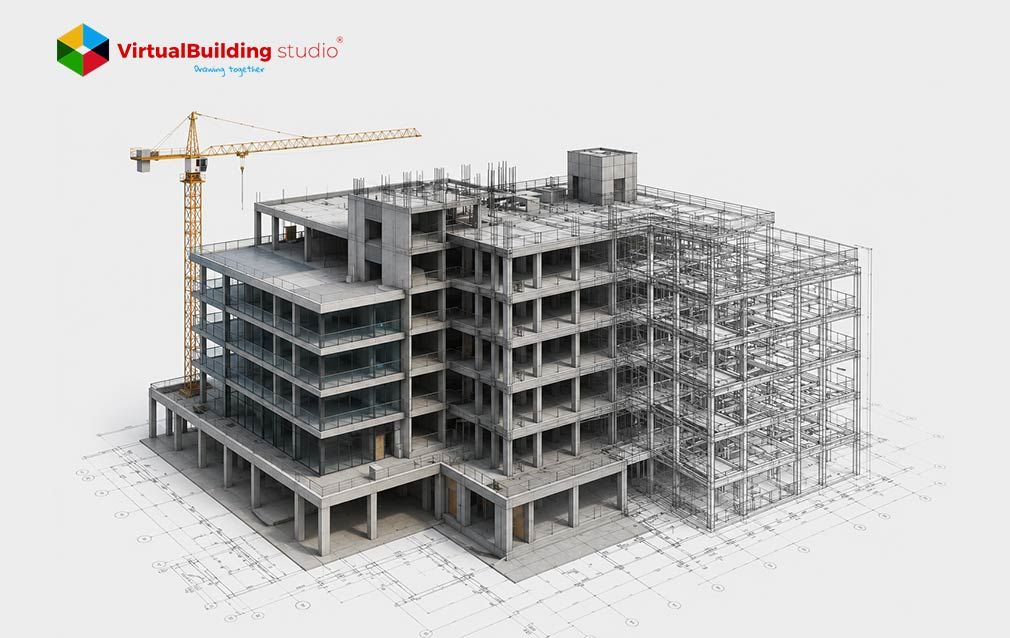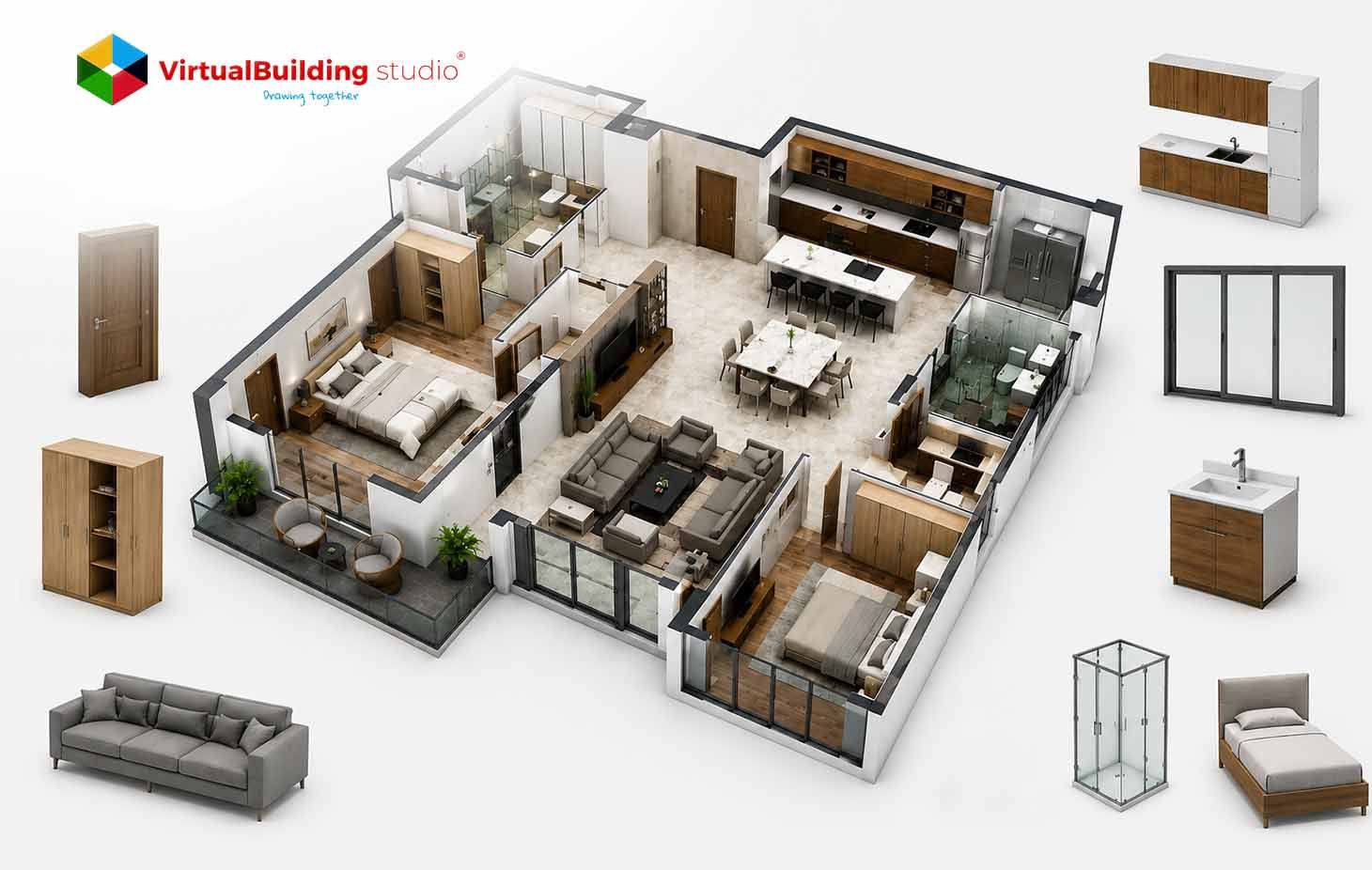
Architects design buildings as living data now, far beyond static sheets. Each project carries thousands of objects that schedule, tag, and coordinate across disciplines. The intelligence inside those objects decides how the model performs. A door holds swing logic, clearance values, and fire ratings. A window stores sill heights, glazing data, and energy attributes. Those attributes flow straight into schedules, takeoffs, and coordination views.
Architectural teams feel the impact of object quality during documentation and design review. Clean objects produce accurate sheets, dependable quantities, and meaningful clash results. Weak objects scatter errors across tags, schedules, and site coordination. This article shows how expert content development gives architects cleaner models, faster output, and steady design accuracy from concept through handover.
What Is Revit Family Creation in Architecture?
Revit family creation builds the reusable objects that populate an architectural model. Each object holds geometry, parameters, and behavior rules inside a single definition. The model reads that definition to place, schedule, and display the element correctly. Architects work mainly with loadable families such as doors, windows, casework, railings, lighting, and annotation symbols.
The process opens with a clear use case for the element. It moves through reference planes, parameter strategy, visibility settings, and structured testing. Designers fix the skeleton first. They bind geometry to parameters next. They sort which values stay type level and which stay instance level. Experts then flex the family across sizes and conditions to confirm stable behavior.
Architectural Revit Family Creation treats every object as a small database with geometry attached. That mindset turns a simple shape into a controlled design component. The element flexes through parameters across many project conditions. Skilled content development keeps that behavior predictable across an entire library.
That definition leads to a practical question for any growing practice.
Why Architects Need Revit Family Creation Services
Architectural firms reach a point where project delivery competes with content development. Designers want dependable objects, yet building them demands focused time and deep Revit skill. Expert Revit Family Creation Services give firms that capacity without pulling architects away from design. They sort out the parameter logic, geometry control, and quality testing across the library.
This support matters because object quality shapes the whole model. A door family with correct tags keeps every related sheet consistent. A fixture family with full parameters feeds clean schedules and procurement data. Architects gain a library that behaves the same way across residential, commercial, and institutional work.
Much of that bad data starts inside the content library. Architects who invest in expert content development cut that error chain early. A tested object behaves the same way on every project, so the model stays consistent from the first design stage. Strong content also changes how architects experience daily production.
How Revit Families Improve Architectural Design Workflows
Well built families make architectural production more predictable. They clarify the moment where design intent turns into project information. Every downstream task gains from that clarity. Designers adjust options faster. Documentation stays connected. Coordination becomes meaningful. A firm that grasps how Revit families improve architectural BIM workflow scan plan its whole content library with a clear head.
- Faster Design Iteration: Designers flex dimensions and configurations through parameters, so option studies stay quick and controlled.
- Connected Documentation: Families drive plan symbols, sections, elevations, tags, and schedules from one shared data source.
- Meaningful Coordination: Accurate connectors, offsets, and clearances let clash detection reflect real constructability issues.
- Lifecycle Ready Data: Families carry asset IDs, material data, and product links that support facility handover and digital twins.
This is where parametric Revit families for building design prove their daily value. A single casework family flexes across many room types through controlled parameters. Designers reuse that intelligence across the project instead of rebuilding geometry. Many firms extend this discipline through broader BIM modeling services that keep the whole library consistent.
Benefits of Custom Revit Family Creation for Architecture Firms
Generic libraries rarely match the way a firm actually designs. A practice often needs a specific door clearance rule. It may need a standard casework module or a façade panel that reflects its own detailing logic. A tailored object encodes that pattern once and reuses it across many jobs.
- Firm Standards Stay Inside the Model: Teams place objects that already follow firm rules, so they skip repeated detail decisions.
- Content Searching Drops Sharply: A central library cuts the hours spent hunting online, patching legacy files, or rebuilding the same element.
- Models Stay Lighter and Faster: Expert teams keep geometry lean, limit deep nesting, and add detail variants only where the use case asks for them.
- Data Becomes Easier to Reuse: Clean parameter sets support tagging, scheduling, and IFC-friendly classification across every project.
Custom Revit Family Creation gives a practice this control on every job. Teams encode firm rules into each object and reuse them with confidence.
These benefits of custom Revit families for architectural design turn a content library into reusable infrastructure. Firms move faster across each new project and hold full control of quality. That value scales well for practices running many concurrent jobs.
Firms also ask a practical question early in any engagement. The cost of Revit family creation services for architects depends on family complexity, parameter depth, and library size. A scoped package gives predictable pricing and builds content that lowers rework for years.
Role of Revit Families in Reducing Design Errors and Improving Accuracy
Design accuracy follows directly from the quality of the objects inside the model. Families with correct dimensions, complete parameters, and sound hosting logic keep documentation clean. The same care supports quantity takeoffs and coordination. Expert content development sits at the center of dependable architectural delivery.
Sharper Quantity Accuracy
Families control the material and dimensional data inside takeoffs, so estimators produce dependable cost forecasts.
Cleaner Documentation
Consistent family behavior keeps schedules, tags, sections and detail views coordinated across the sheet set.
Stronger Hosting Logic
Correct categories and host behavior keep elements placed correctly. So analysis and tagging stay accurate.
Dependable Reuse
A tested library removes duplicate content, so teams trust the same object across many projects.
This focus on reducing design errors with Revit family creation pays off across the whole sheet set. A well-built window family carries the same data into plans, elevations, and schedules. Architects gain coordinated drawings directly from the model. High-quality BIM content for architectural projects keeps that accuracy steady as the design changes.
That outcome starts inside the content library. Clean families give architects a head start on accuracy long before site work begins.
Revit Family Creation for BIM Coordination in Architectural Projects
Coordination becomes expensive once teams discover conflicts during construction. Strong family content helps architects, engineers, and contractors resolve issues earlier inside the model. Accurate geometry and connection points turn clash detection into a meaningful constructability review. Good BIM coordination in architecture depends on the accuracy of the objects feeding the federated model.
Hospitals, airports, and data centers contain heavy service zones and complex systems. Accurate families help teams coordinate crowded ceilings and tight risers with confidence. A duct connector with the correct size and offset flags a real conflict. A generic placeholder hides that conflict until installation. Expert architectural BIM modeling services bring that level of object discipline to the federated environment.
A federated model rewards this care during every review cycle. Teams resolve a routing conflict in minutes inside the model. The same conflict triggers schedule disruption and material waste once crews begin installation. Strong family content turns coordination into an early design activity rather than a field repair.
How Architectural Revit Families Improve Coordination
Object Quality Drives Every Coordination Outcome
Many firms begin this journey with legacy drawings rather than a model. Expert CAD to BIM services convert those drawings into structured, parametric content. Architects gain a coordinated model populated with dependable families. That shift gives every later coordination step a dependable starting point. That coordination quality leads naturally to the standards behind dependable content.
Industry Standards and Best Practices for Architectural Revit Families
Standards give families a common language once projects involve multiple teams or offices. The BIMForum LOD Specification remains a widely referenced framework for element reliability. It describes levels of development that range from conceptual content to fabrication-ready information. Each level guides how teams structure geometry, parameters, and data inside a family.
Higher LOD asks for richer information, rather than always heavier geometry. Simple geometry paired with strong data often produces faster, cleaner workflows. A clear approach to LOD BIM modeling helps architects match each family to its real project purpose.
Naming and parameters deserve the same discipline. Pick a shared parameter set, name things consistently, and your schedules and IFC exports stay clean. The firms that keep libraries healthy tend to run real approvals and version control behind the scenes. Structured architectural BIM library development services USA give a practice that is kind of a governed system instead of a folder of scattered files.
Conclusion
Revit families work as the data foundation of architectural design. They decide how the model performs across coordination, documentation, scheduling, and lifecycle handover. That role explains why content quality deserves the same care architects give the design itself. Strong families keep data clean and accuracy steady from concept through construction.
The tools keep shifting toward connected data and a bit of AI on top. Tomorrow, the same family data may feed automation or a simulation nobody has built yet. That future rewards firms who treat content as real infrastructure. Expert BIM Content Creation for Architecture gets a library ready for it.
Few practices want to staff all of that in-house. So a lot of them turn to outsourcing Revit family creation for architecture firms USA and reach the same standard without the payroll. Handle content well, and the payoff stays quiet, yet real. Standards hold. Production speeds up. The same corrections stop coming back. A governed library of Revit families for residential and commercial design projects hands architects a solid base for the next job and the one after that.
Get Coordination-Ready Architectural Revit Families Built for Accuracy, Documentation, and Faster Delivery